




Mobile slot games: 5000+
Available Applications
 Mobile
-
 Android
  iOS
iOS
The WinWin.bet mobile setup is exactly what you expect from an offshore operator. No App Store polish, no one-click install, just a working system that gets you into the platform if you are willing to do a bit of setup yourself. That usually scares off casual players, but if you have used a few of these before, it is nothing new.
The upside is that once you are in, the experience is fairly complete. You are not getting a stripped-down version. WinWin Casino on mobile gives you access to live scores, odds, bet history, and the full casino and live sections. It feels like a compressed desktop rather than a lightweight app. The question is not whether it works. It does. The question is how smooth it feels day to day, and that depends a lot on your device and connection.
Android & iOS Compatibility
| OS | Web Browser App | App Download | Mobile Bonus | Live Dealer | Live Chat |
|---|---|---|---|---|---|
| Android | Yes | No | €400/150FS | Yes | Yes |
| iOS | Yes | No | €400/150FS | Yes | Yes |
 Slide aside for full view
When it comes to system requirements, Winwin.bet does not publish exact specs, but you can treat it like any modern betting app and set your expectations there.
For Android, you want at least Android 7.0 or higher, with 3 GB of RAM as a safe baseline. Storage is not a big issue since the APK is around 52 MB, but give it at least 150 to 200 MB free space so it runs without hiccups. A mid-range processor is more than enough for basic use, but if you plan to spend time in live casino or switch between sections quickly, a newer device will handle it much better.
For iOS, since WinWin.bet runs as a PWA through Safari, you are looking at iOS 12 or higher as a practical minimum, though newer versions perform noticeably better. Again, 3 GB of RAM or more is where things start to feel smooth, especially when loading live tables or jumping between sportsbook and casino.
Connection matters just as much as hardware. A stable 4G or WiFi connection is basically required if you want live odds to update properly and live casino streams to run without lag.
Android App Download Guide
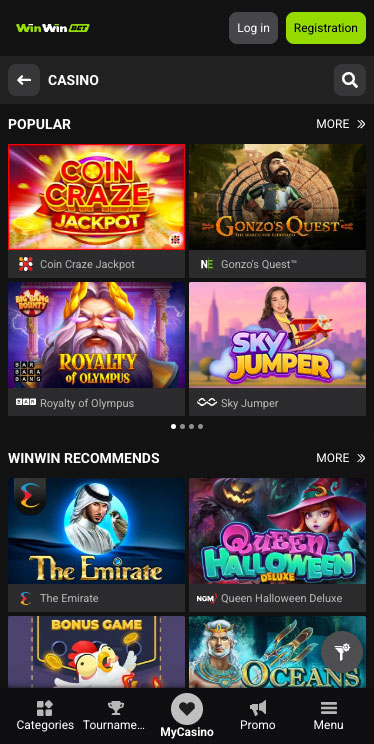
Winwin Casino on Android
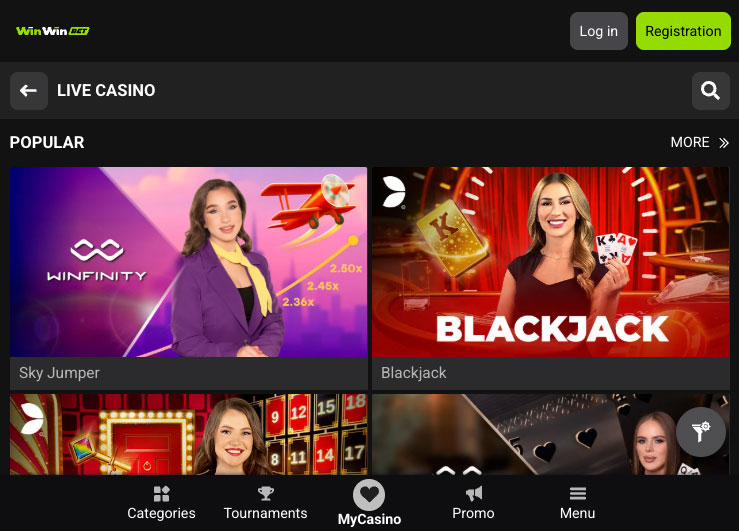
Installing the WinWin.bet Android app is straightforward, but you need to be comfortable stepping outside the usual Play Store flow.
Here is how it works:
- Go to the official WinWin.bet website from your Android device
- Find the mobile section and download the APK file
- Your phone will warn you about installing apps from unknown sources
- Enable permission for your browser or file manager
- Open the downloaded file and install the app
- Launch the app and log in or register
Once installed, the app runs well on most modern devices. Navigation is clean enough, and switching between sections is quick. You get live odds updates, access to ongoing events, and the full casino lobby without needing to jump back into a browser.
iPhone App & iPad App Download
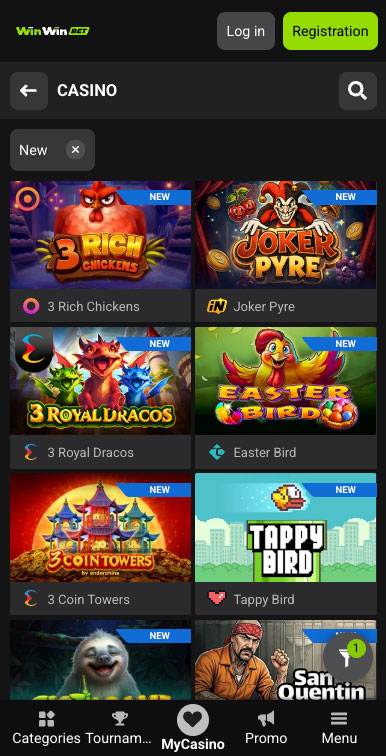
Winwin Casino on iPhone
On iPhone and iPad, WinWin.bet goes the PWA route. There is no App Store version, so you are essentially installing a shortcut to the site.
Here is the process:
- Open the WinWin.bet website in Safari
- Tap the share button
- Select “Add to Home Screen”
- Confirm and place the icon on your home screen
- Launch it like a regular app
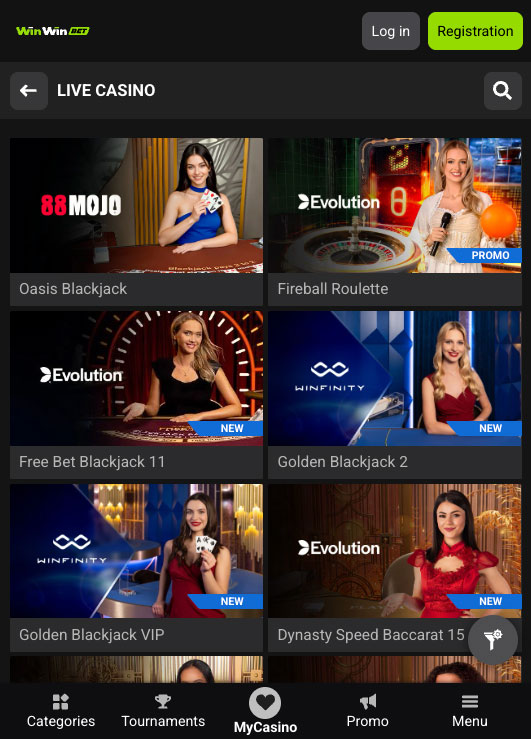
Winwin Casino on iPad
Once added, it opens in a standalone window, which gives it that app-like feel. You avoid the browser bar and get a cleaner layout.
Performance is decent, but this is where the cracks show. Because it is still browser-based, you are more likely to notice lag when loading live games or switching between heavy sections. It also depends heavily on your connection. A weak signal will hit harder here than it would on a native app.
FAQ
It is a direct APK download, so you are trusting the source rather than going through Google Play. That is standard for offshore apps, but it is still something to be aware of.
Yes. You get full access to sportsbook, casino, live casino, and account features. Nothing important is missing.
Yes. Your account is synced, so your balance, bets, and history carry over instantly.
Live casino and live betting are resource-heavy. If your device is older or your connection is unstable, performance will drop.
Yes. Since it is not on Google Play, updates usually require downloading and installing a newer version of the APK.
5.0/5 (5 гласа)