



Mobile slot games: 2000+
Available Applications
 Mobile
 Android
 iOS
iOS
If you are a fan of Aspire Global and any of its mobile casinos, then you should have WildSlots in your sights as well. The mobile casino shares everything its sister venues have, which is great news. In case you don’t know what we are talking about, here is a brief overview. For one thing, WildSlots truly goes wild on the slots – in over 2,000 casino titles the vast majority are exactly that. No matter what your favorite studio is NetEnt, BTG or Microgaming, you are sure to find their very best titles for your Android or iPhone. Furthermore, the mobile casino has a great loyalty program that makes sure all bets are worth extra. Sounds good? Then make sure to check out the system requirements of WildSltos outlined here and check out the mobile casino for yourself.
Android & iOS Compatibility
| OS | Web Browser App | App Download | Mobile Bonus | Live Dealer | Live Chat |
|---|---|---|---|---|---|
| Android | Yes | No | Up to €100 | Yes | Yes |
| iOS | Yes | No | Up to €100 | Yes | Yes |
 Slide aside for full view
WildSlots’s mobile casino will work pretty much on any mobile device, starting from Android 5 and iOS 9. This however will grant you access to a very limited game library, accounting mainly for old and less demanding titles. If you want to experience the mobile game library of WildSlots in its full glory, then you would need something more contemporary like Android 7+ and iOS 12+.
Android App Download Guide
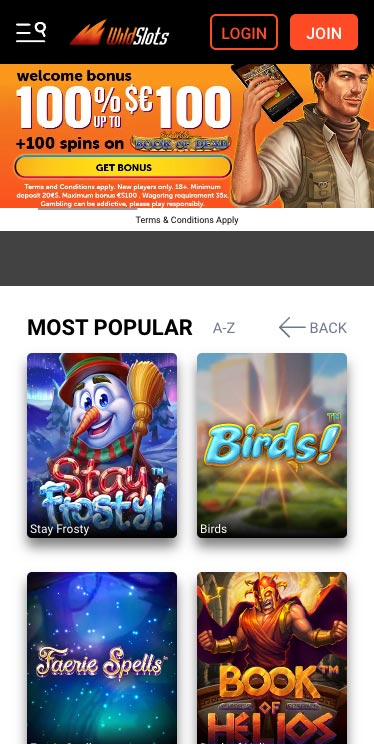
WildSlots Casino on Android
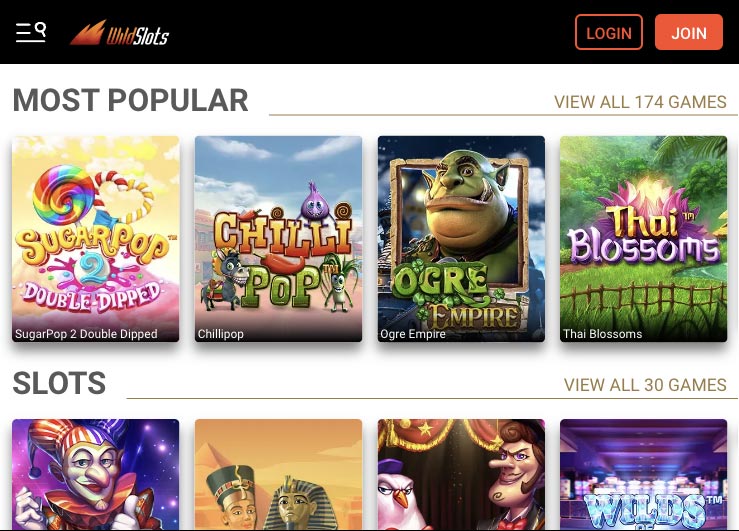
WildSlots doesn’t go the extra mile to provide an Android app but you can work your way around it by creating a shortcut. To start, you should open your phone’s browser and navigate to the WildSlots website. When you are on the homepage, tap on the browser’s menu located in the right-top part of your screen. With the drop-down options now listed, locate and tap Add to Home Screen. With that, you will be met with a prompt to enter a name for the shortcut, so you can easily identify it. After entering the name, proceed by hitting Add, and you will now have a shortcut to WildSlots mobile casino on your home screen. Having done all of that, the next time you want to play, you will be able to do it with just one tap – it is that simple.
iPhone App & iPad App Download
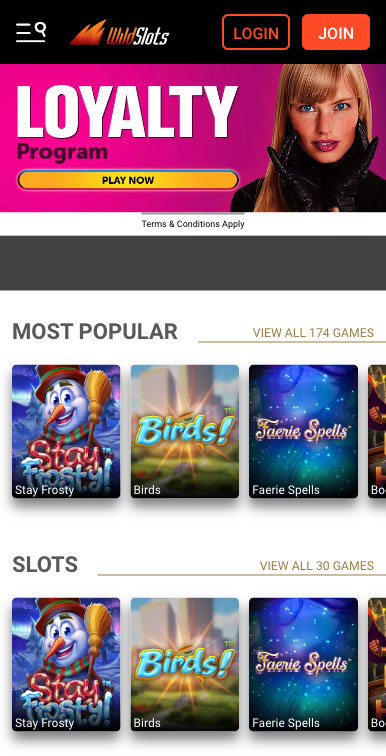
WildSlots on iPhone
There is no WildSlots app on the App Store but creating a shortcut to it on your iOS device is a convenient way to access your favorite games, and it only takes a few simple steps to set up.
First, open the Safari app and navigate to the WildSlots Mobile Casino homepage. Then, tap on the share icon that is normally located at the bottom of the screen. From the pop-up menu that loads up, select Add to Home Screen and rename your shortcut before tapping Add to save it to your home screen.
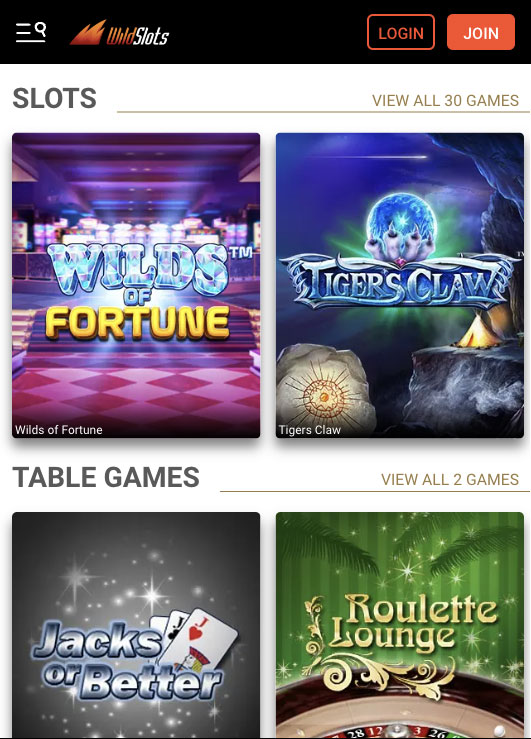
WildSlots Casino on Ipad
Once created, the WildSlots Mobile Casino shortcut will appear on the home screen of your iPhone or iPad, letting you open the casino with just one tap. You can also move the shortcut around on your home screen or even add it to your dock for even quicker access.
FAQ
Yes, you can access WildSlots mobile casino on any device that supports HTML5 and meets the system requirements outlined in our review.
Yes, WildSlots’s mobile casino is licensed by the Malta Gaming Authority, and Irish and British Gambling Commissions and also uses SSL encryption to protect data transfers between the venue and the mobile devices.
With so many titles on offer, the list is long, but legendary slots like Starburst, Gonzo’s Quest, and 9 Masks of Fire are definitely at the top of the list.
The mobile gaming venue supports the most important payment methods like credit and debit cards, as well as prepaid cards and secure e-wallets like Skrill and Neteller.
Yes, it consists of two parts cash and free spins, with the size of both depending on the country you are playing from.
5.0/5 (5 гласа)