




Mobile slot games: 4500+
Available Applications
 Mobile
-
 Android
  iOS
iOS
If you’re planning to use SpinBetter on mobile, you’re not getting a separate “mobile-first” experience. It’s the same platform, just squeezed into your phone. That’s not a bad thing by default, but it means the quality comes down to how well the interface holds up when you’re moving fast between sections. From what I’ve seen, SpinBetter’s mobile setup is functional and stable, but it’s not clean across the board. You’ve got a proper Android app via APK download, no iOS app at all, and a browser fallback that does most of the heavy lifting for iPhone users.
This is one of those setups where you can play without issues, but you need to know what you’re walking into. The platform isn’t trying to simplify things for mobile. It’s giving you full access and expecting you to handle it. That works if performance is solid. It becomes a problem if navigation slows you down or installs feel clunky.
Android & iOS Compatibility
| OS | Requirements | App Size | Free or Paid | Web Browser App |
|---|---|---|---|---|
| Android | 5.0+ | 52.0 MB | Free | Yes |
| iOS | - | - | Free | Yes |
 Slide aside for full view
SpinBetter works on both Android and iOS, but it’s not an even setup.
On Android, you get a proper app, just not through the Play Store. You have to download the APK, which adds a bit of friction upfront. It runs on Android 5.0 and up, and it doesn’t need a powerful device. I tested it on a mid-range phone with 3–4 GB RAM, and it held up fine. No lag switching between slots and live games, no crashes, and menus load quickly. That’s where SpinBetter gets it right. Once you’re in, it doesn’t slow you down.
On iOS, there’s no SpinBetter app at all. No iPhone or iPad download. You’re using the browser on iOS 11+, which works, but it’s clearly a step down. You feel it in the small delays and extra scrolling, especially if you’re moving between games or trying to get into a live table quickly.
Android App Download Guide
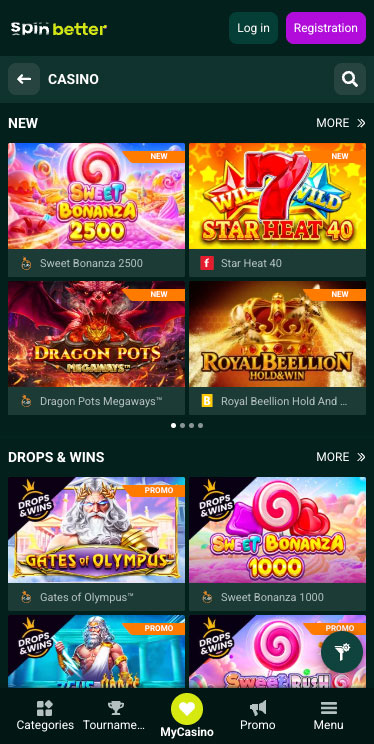
Spinbetter Casino on Android
Downloading the SpinBetter Android app is straightforward, but not as clean as it should be.
You go through the site, find the mobile section, and download the APK file directly. Before installing, you’ll need to enable “install from unknown sources” in your phone settings. That’s standard for APKs, but it’s still a step that puts some people off. There’s no Play Store verification here, so you’re relying entirely on the platform.
Once that’s done, installation itself is quick. The app opens without issues, login is smooth, and you’re straight into the main interface. From there, it behaves like a proper app. Navigation is responsive, menus load quickly, and jumping between slots and live casino doesn’t feel delayed. That’s where it wins back some points. I’ve used apps where the install is easy but the performance falls apart. Here, it’s the opposite. The setup is slightly awkward, but the app itself is stable.
One thing worth noting is updates. Since this isn’t a Play Store app, updates won’t be automatic. You’ll likely need to download newer versions manually. That’s not shown directly here, but it’s how APK-based apps typically work, and it’s something you need to keep in mind if you’re planning to use it long-term.
iPhone App & iPad App Download

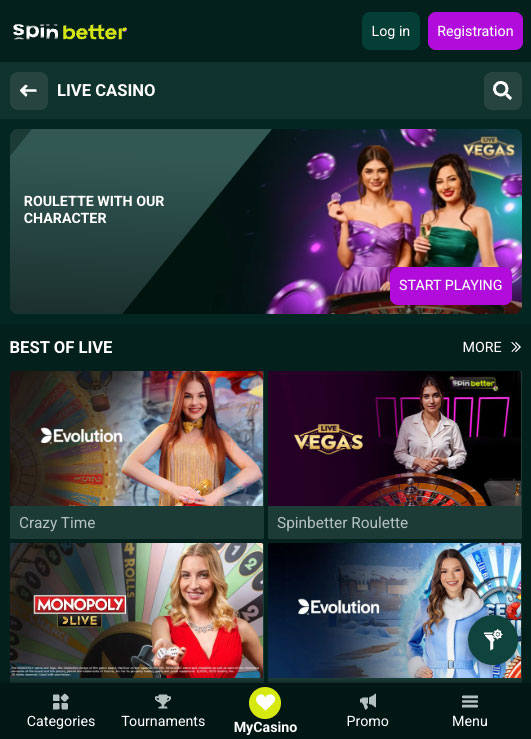
Spinbetter Casino on iPhone
There’s no SpinBetter iOS app. No App Store version, no direct download, nothing to install on iPhone or iPad.
So your only option is the browser. You open the site, log in, and use it like you would on desktop. The layout adjusts to mobile screens, and most features are accessible. You can play slots, enter live games, manage your account, and move through the platform without major blockers.
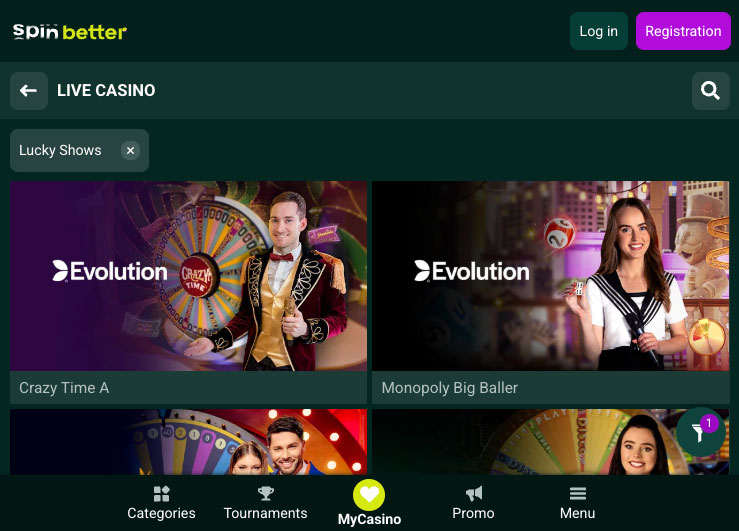
Spinbetter Casino on iPad
The issue is speed and flow. On a phone, especially during live casino sessions, small delays start to matter. Page reloads, transitions between sections, and even scrolling through game lists take a bit longer compared to a native app. It’s not broken, but it’s not seamless either.
There’s also no shortcut integration beyond adding the site to your home screen. That works, but it’s not the same as a proper app with optimized performance and notifications.
FAQ
Yes, but it’s not on the Play Store. You need to download the APK file from the site and install it manually. Once installed, it runs smoothly and behaves like a proper mobile app.
No, there’s no iOS app available. iPhone and iPad users have to use the mobile browser version of the site.
You’re downloading it directly from the platform, not a verified store. That always comes with some risk. There’s nothing here suggesting issues, but it’s not the same level of security as Play Store apps.
From what’s accessible, yes. Slots and live casino games are available on mobile, though performance can vary slightly between app and browser.
On Android, yes. The app handles transitions and gameplay well. On iPhone, it’s slower due to the browser setup, which can affect how quickly you move between tables or games.
5.0/5 (2 гласа)