




Mobile slot games: 4000+
Available Applications
 Mobile
-
 Android
  iOS
iOS
Planbet works well on mobile, and this is one of the areas where the familiar 22Bet-style setup earns its keep. The desktop site can get busy once you have the casino, live games, promos and account menus fighting for space. On a phone, a lot of that clutter disappears.
I actually prefer the mobile experience for normal casino play. Games are quicker to reach, account pages are easier to move through, and the whole thing feels more stable than the full website when you are hopping between the lobby, cashier and bonus section.
You have two sensible routes. Android players can install the dedicated app, while iPhone and iPad users can save the mobile site to the home screen and use it much like an app. There is also a web-based PWA option, so nobody is forced to install software just to play.
Android & iOS Compatibility
| OS | Requirements | App Size | Free or Paid | Web Browser App |
|---|---|---|---|---|
| Android | 10.0+ | 45 MB | Free | Yes |
| iOS | 13.0+ | N/A | Free | Yes |
 Slide aside for full view
Planbet is not particularly demanding, but I would not bother trying to run it on a phone that is already struggling with basic apps.
The recommended setup is:
- Android 10 or newer
- iOS 13 or newer
- 2 GB RAM
- Around 200 MB of free storage
Those are sensible requirements rather than gaming-PC territory. Any reasonably modern phone should cope.
The bigger issue is connection quality. Casino lobbies are image-heavy, and live dealer games obviously need a stable stream. Slots are more forgiving, but once you move into live roulette or game shows, a shaky mobile connection will ruin the experience long before the phone hardware does.
For general browsing, deposits and account management, Planbet runs comfortably on mobile. The dedicated Android app feels particularly tidy because you lose some of the browser furniture and get straight into the betting interface.
Android App Download Guide
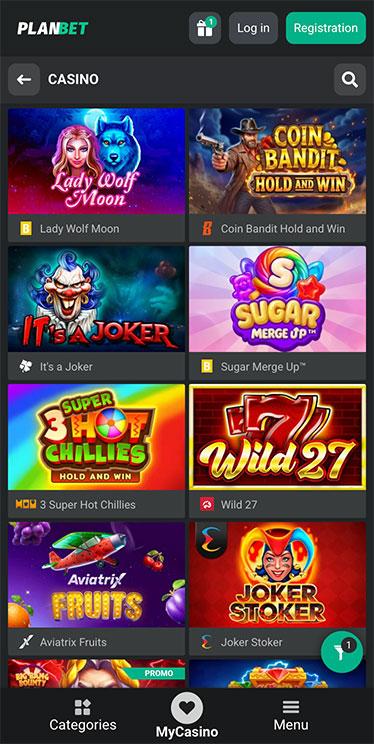
Planbet Casino on Android
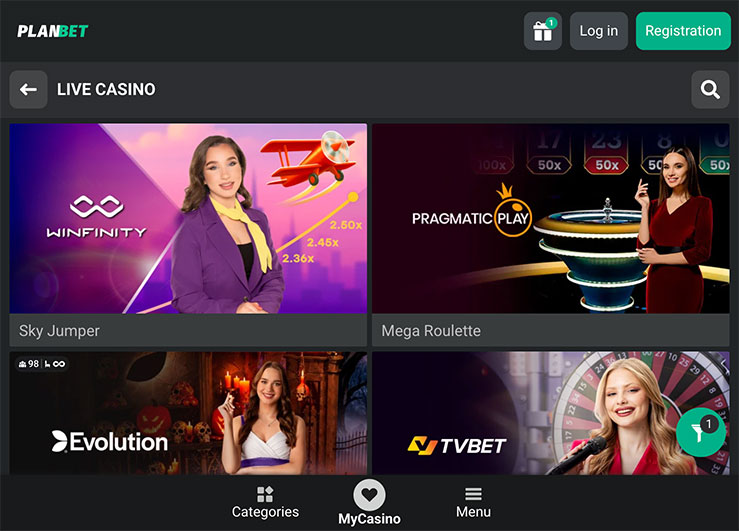
Android gets the more traditional app experience. The installation is slightly different from grabbing something from Google Play because the Android version is downloaded directly.
The process is straightforward:
- Open Planbet on your Android phone and choose the Android download option.
- Download the installation file.
- Open the file once the download finishes.
- If Android blocks the installation, go into the relevant Install unknown apps setting.
- Allow installation from the browser or file manager you are using.
- Return to the file and complete the installation.
- Open Planbet and log in with your normal account details.
That “unknown sources” step sounds more dramatic than it is, but I still would not rush through it. Make sure you are installing the file you intentionally downloaded, then switch the permission back off afterwards if you do not normally install apps outside the Play Store.
Once installed, this is the version I would use regularly. The casino lobby is easier to handle on a phone than the desktop site, and jumping between slots, live casino and account controls takes less work.
iPhone App & iPad App Download
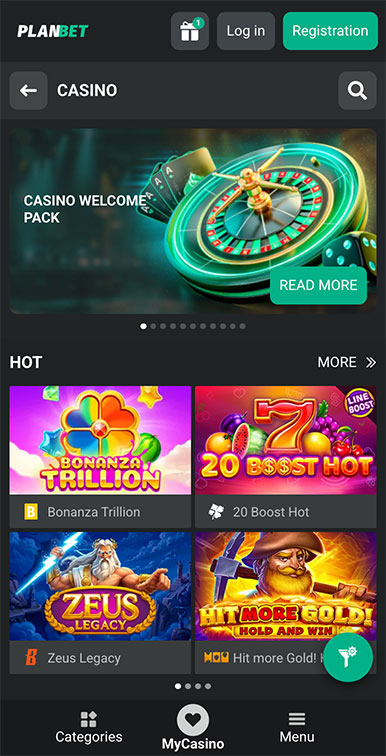
Planbet Casino on iPhone
On iPhone and iPad, the cleaner route is to turn the mobile site into a home-screen app. Open Planbet in Safari, tap the Share button and choose Add to Home Screen. Confirm the name and icon, and Planbet will then sit alongside your regular apps.
It is basically a dressed-up bookmark, but that description undersells it slightly. Once opened from the home screen, the PWA behaves much more like a standalone app than a normal browser tab.
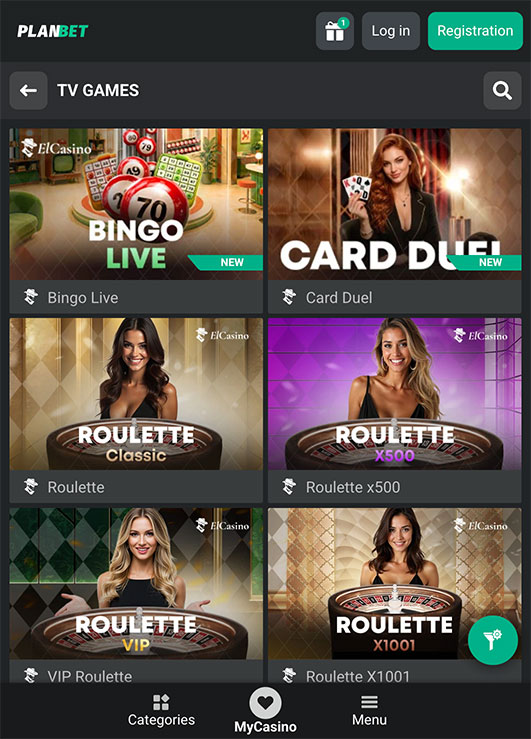
Planbet Casino on iPad
You get quick access without searching for the site every time, and it removes a bit of browser clutter from the experience. For me, that is enough. Casino software does not need to reinvent the phone. I want one tap from the home screen, a responsive lobby and no nonsense getting back to my account. The iPhone and iPad setup covers that.
The same method is also useful if you do not want to install the Android package. Save the mobile version to the home screen and you still get quick access without keeping another full app on the phone.
FAQ
Yes. Android users can download and install the Planbet mobile application directly.
Planbet is best used with Android 10 or newer, at least 2 GB RAM and around 200 MB of free storage.
Yes. iOS 13 or newer is recommended. The mobile site can also be added to the home screen and used as a PWA.
Open Planbet in Safari, tap Share, choose Add to Home Screen, then confirm. The shortcut will appear alongside your other apps.
No. The mobile website works in the browser, and the PWA gives you app-style home-screen access without installing the Android package.
5.0/5 (5 гласа)