



Mobile slot games: 3000+
Available Applications
 Mobile
 Android
 iOS
iOS
Golisimo’s mobile strategy is built on a “browser-first” architecture, prioritizing universal access over an app. While the site is fully responsive and retains the polished UI of the desktop version, the absence of a native app for iOS or Android is a noticeable gap in the platform’s performance specs.
Without an official APK or App Store download, players are forced to rely on mobile browsers like Safari or Chrome, which lack the biometric login and push-notification efficiency of a dedicated application. It’s a functional mobile experience that handles the game library well, but it requires more manual navigation than a modern, one-tap mobile casino should.
Android & iOS Compatibility
| OS | Web Browser App | App Download | Mobile Bonus | Live Dealer | Live Chat |
|---|---|---|---|---|---|
| Android | Yes | No | €2,500/300FS | Yes | Yes |
| iOS | Yes | No | €2,500/300FS | Yes | Yes |
 Slide aside for full view
To ensure Golisimo’s slots and live dealer streams don’t stall out, your mobile device needs to meet the current performance standards. Since the site lacks a native app, your mobile browser has to do all the heavy lifting, meaning older chips will struggle with the layered particle effects and HD video feeds.
| Component | Minimum Spec (Entry Level) | Recommended Spec (High-End) |
|---|---|---|
| Android OS | Version 11.0+ | Version 13.0 or higher |
| iOS | iOS 15.0+ | Latest iOS version |
| Browser | Chrome / Safari (updated) | Brave or Chrome with hardware accel. |
| RAM | 4GB | 8GB or higher |
| Display | 60Hz Standard LCD | 120Hz OLED (Pro/Ultra models) |
| Connectivity | 4G / Stable 10Mbps Wi-Fi | 5G / Fiber Wi-Fi (30Mbps+) |
Android App Download Guide
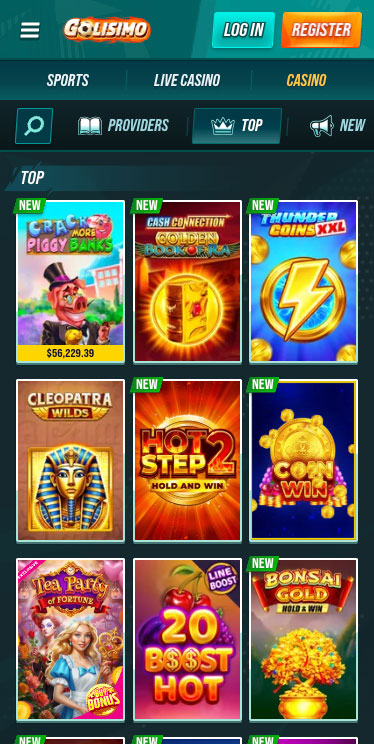
Golisimo Casino on Android
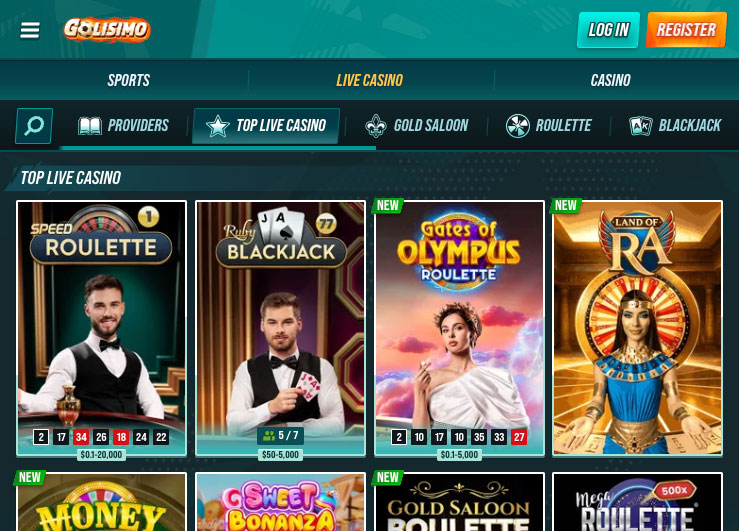
Since there is no official Golisimo APK to download from the Google Play Store or the site itself, the most efficient workaround is to “simulate” an app experience through your browser. This creates a one-tap entry point on your Android home screen, bypassing the need to manually enter the URL every time you want to play.
To set this up, follow these technical steps:
- Open your mobile browser (Chrome or Brave are the recommended options) and navigate to the Golisimo homepage.
- Tap the three-dot menu icon in the top-right corner of the browser interface.
- Select the option “Add to Home Screen” from the dropdown list.
- Rename the shortcut to “Golisimo” and confirm the addition.
This places a dedicated icon of Golisimo among your other applications, allowing the site to launch in a “standalone” window. While it doesn’t offer the native push notifications of a specialized Android build, it significantly reduces navigation friction and provides a cleaner, full-screen interface for high-performance slots and live dealer games.
iPhone App & iPad App Download
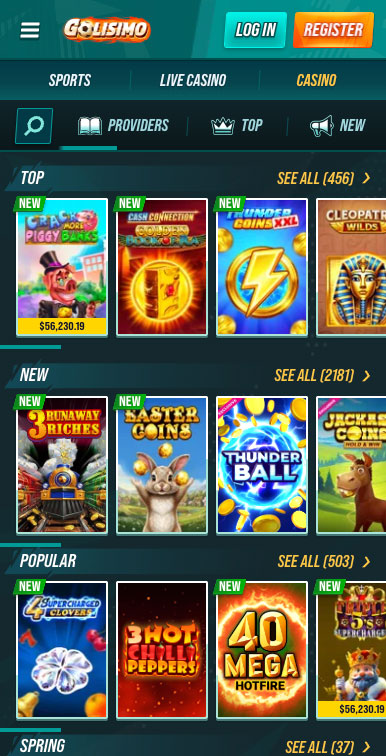
Golisim Casino on iPhone
Since the Apple App Store lacks a native download for Golisimo, iOS users must take the “Add to Homescreen” route. This isn’t just a bookmark; it’s a system-level shortcut that forces Safari to launch Golisimo in a standalone “Chromeless” window, stripping away URL bars and navigation toggles to maximize screen real estate for high-intensity slots.
To execute this setup on your iPhone or iPad:
- Open Safari and navigate to the Golisimo homepage.
- Tap the “Share” icon (the square with the upward arrow) on the bottom navigation rail.
- Scroll through the options and select “Add to Home Screen.”
- Rename the shortcut to Golisimo and tap Add.
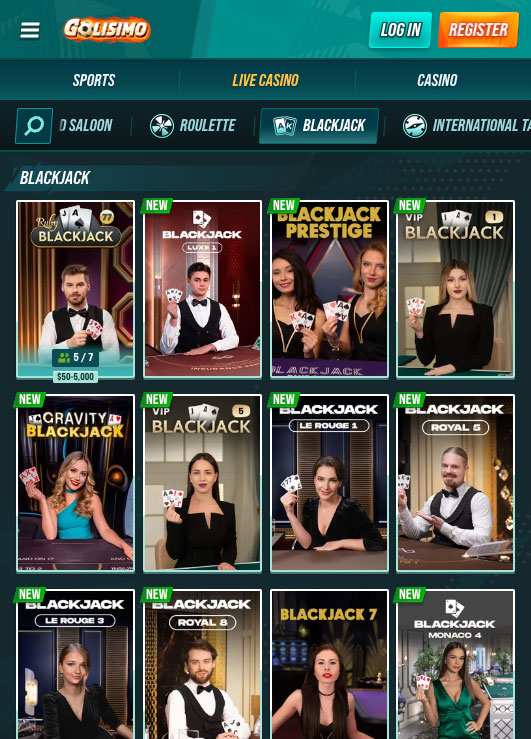
Golisim Casino on iPad
By launching Golisimo from your home screen, you trigger Apple’s WebKit Standalone mode. This reallocates system resources to prioritize the browser engine, ensuring that high-latency games like Live Dealer blackjack or 120Hz slots run with significantly smoother frame rates.
FAQ
No. Golisimo currently has no native Android download. Avoid third-party APK files and use the "Add to Home Screen" browser shortcut for the most secure hardware access.
Not directly. Since Golisimo lacks a native app, it cannot hook into system biometrics. You must rely on your mobile browser’s integrated password manager to auto-fill credentials.
Yes. While the UI is lean, Live Casino streams are high-bandwidth assets. If you aren't on a stable Wi-Fi rail, expect a heavy data hit from the 1080p video feeds.
Yes. The mobile interface is fully optimized for your phone’s camera. You can snap and upload your ID directly through the Golisimo "My Account" portal for faster verification.
The browser will push the Golisimo tab into the background. While the bet usually settles on the server, high-latency games like Live Dealer may disconnect. Use Do Not Disturb mode to protect your session.
5.0/5 (4 гласа)