



Mobile slot games: 4000+
Available Applications
 Mobile
-
 Android
  iOS
iOS
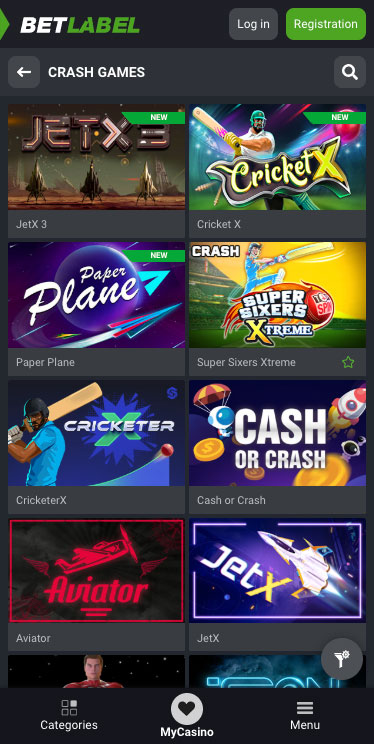
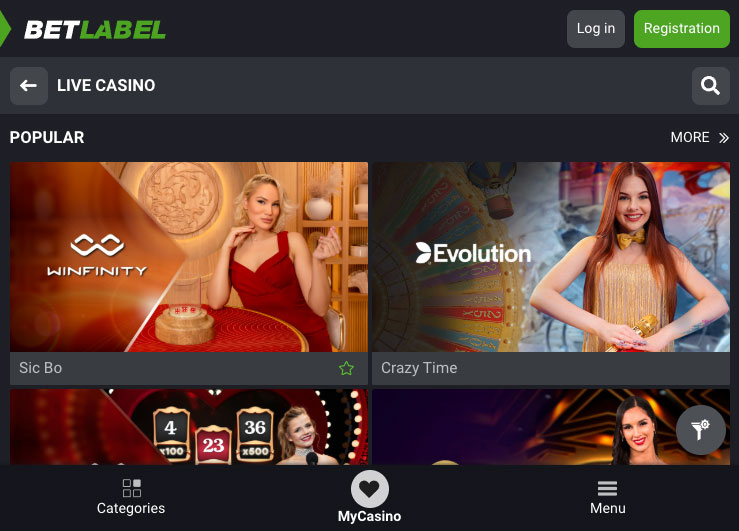
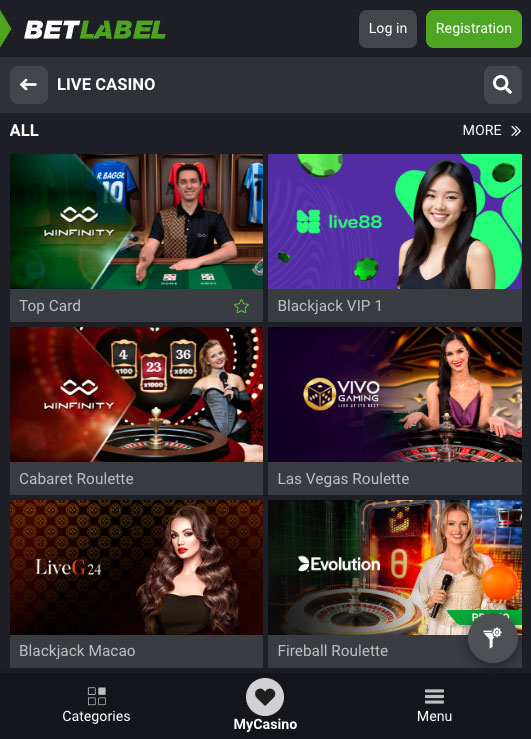
BetLabel’s mobile casino isn’t a stripped-down afterthought—it’s the same powerhouse you get on desktop, squeezed into your pocket. The interface swaps heavy menus for a clean, thumb-friendly layout: swipe horizontally to flick through slots, tap the bright “Live” tab to jump into Evolution or TVBet tables, or pull up your bet history in a snap.
Animations load without stutter, and even on 3G, the “Data Saver” toggle shrinks graphics, reducing data usage and ensuring smooth gameplay. Whether you’re chasing cascading wins on Gems Odyssey or taking aim at Under & Over 7, BetLabel keeps the action fluid and the odds right there beside your finger.
Android & iOS Compatibility
| OS | Requirements | App Size | Free or Paid | Web Browser App |
|---|---|---|---|---|
| Android | 5.0+ | 70 MB | Free | Yes |
| iOS | - | - | Free | Yes |
 Slide aside for full view
If your device runs Android 8.0 or later, or iOS 13 and newer, you’re golden. We tested the app on a variety of handsets, from budget models to flagship phablets, and it handled every screen size gracefully. There’s no separate tablet mode; the same responsive design adapts automatically, whether you’re tapping on a six-inch slab or an iPad mini. All live streams, odds widgets and promo banners resize on the fly.
Android App Download Guide
Betlabel Casino on Android
Point your phone’s browser at BetLabel and hit the green Android button.
- When the APK download pops up, tap Download.
- Slide into Settings > Security, toggle on Install unknown apps for your browser, then return to the download.
- Tap the file, approve the install prompt, and voilà—BetLabel is on your home screen, ready to spin up games or lock in a live bet. The installation process is straightforward and hassle-free, ensuring you can start enjoying the app in no time.
No Google Play friction, and no region locks—just a direct install, ensuring that BetLabel is accessible to users worldwide.
iPhone App & iPad App Download

Betlabel Casino on iPhone
Instead of an App Store listing, BetLabel leans on a Progressive Web App. Here’s how we pinned it:
- From Safari, load BetLabel and tap the Share icon at the bottom of the screen.
- Scroll the options and tap ‘Add to Home Screen’. This will create a shortcut on your home screen for easy access to BetLabel.
- Rename the icon if you like (we left it as “BetLabel”) and tap Add in the top right.
Betlabel Casino on iPad
You get instant access, no waiting for updates—every time you launch, you’re running the latest build straight from BetLabel’s servers.
FAQ
No—Android uses a direct-download APK, while iOS relies on a Progressive Web App you add via Safari’s share menu.
Not at all. Slots, live tables, promos and your full bet history are all here, plus push notifications for odds boosts.
Yes—if your handset supports fingerprint or Face ID, you can enable quick-login in the Account settings once you’re inside the app.
Android APK updates whenever you tap “Download” on the site; the PWA on iOS refreshes instantly every time you open it—no manual updates needed.
5.0/5 (4 гласа)