




Mobile slot games: 8000+
Available Applications
 Mobile
 Android
 iOS
iOS
AzurSlot Casino works well on mobile browsers, keeping the design user-friendly and perfectly suited to thumb navigation. The same account features, bonuses, and the ”Coins/Achievements/Tournaments” system are, of course, all available to mobile players. Yes, the casino didn’t go the extra mile to provide a native app, but we will show how to add a shortcut to your Android and iOS home screens. Let’s do it.
Android & iOS Compatibility
| OS | Web Browser App | App Download | Mobile Bonus | Live Dealer | Live Chat |
|---|---|---|---|---|---|
| Android | Yes | No | €1000/250FS | Yes | Yes |
| iOS | Yes | No | €1000/250FS | Yes | Yes |
 Slide aside for full view
Android:
- Chrome and Firefox handle the lobby without issues, with the layout and loading reliable and performance solid.
iOS (iPhone/iPad):
- Safari does an excellent job with AzurSlot’s platform, making the play smooth and reliable across the entire ecosystem.
Performance tips:
- Enable hardware acceleration in the browser.
- Have at least 1–2 GB of free storage for the cached assets.
- Use Wi-Fi for live play to avoid gaming stutter.
Android App Download Guide
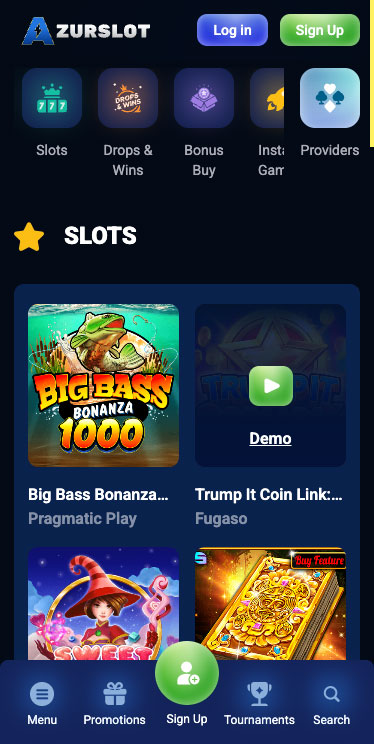
AzurSlot Casino on Android
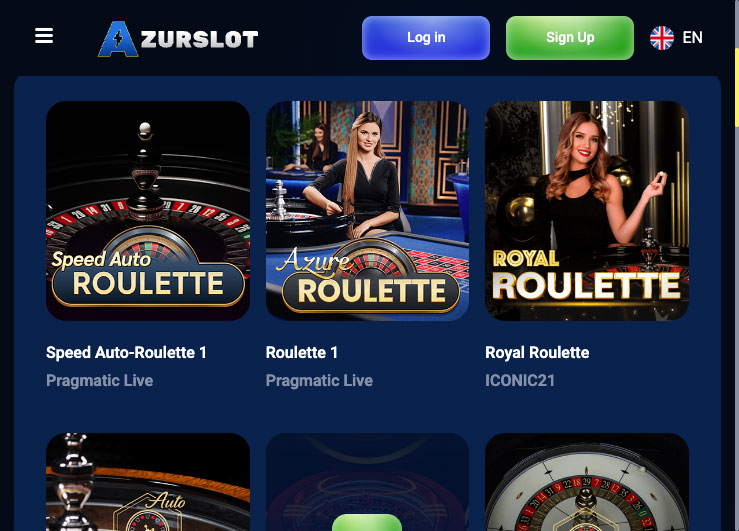
There is no official Android APK and instead, we recommend installing the mobile casino as a shortcut:
- Open Chrome on Android and go to the AzurSlot site.
- Tap the ⋮ menu → Add to Home screen (or Install app if the prompt occurs).
- Confirm the name and then tap Add. A launcher icon appears, which opens the casino in a standalone window.
- Enable autoplay sound/video where your browser requests to launch live games.
iPhone App & iPad App Download
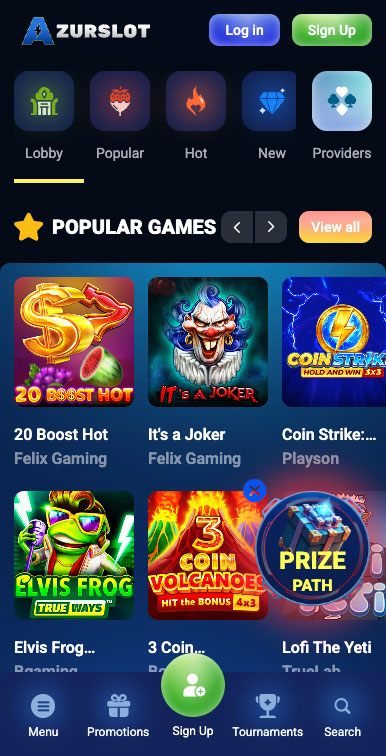
AzurSlot Casino on iPhone
No native iOS app offered. Create a home-screen link instead, this way:
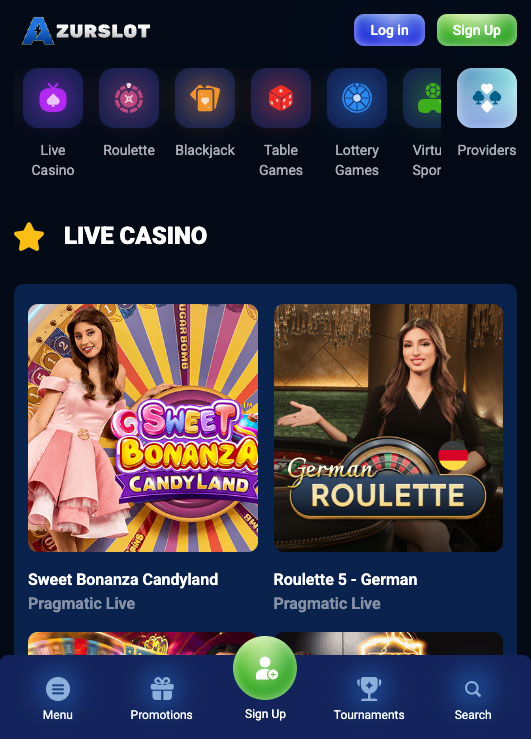
AzurSlot Casino on iPad
- Open the site in Safari, browse to AzurSlot.
- Tapping the Share wildcard, choose Add to Home Screen.
- If you wish, rename it. Then Add.
- Launching the link gets you into the casino and you will be ready to play like with any casino app out there.
FAQ
No, and by the looks of it, there will be none. That said, the mobile website of AzurCasino performs excellently on the go.
Yes. You have to adhere to the same time windows and wagering requirements (45x for most bonuses), with a max bet with bonus funds capped at €5.
Sure, they are solid on mobile. Evolution and Pragmatic Live offer some of the best live lobbies in the industry, perfectly optimized for mobile play.
AzurSlot’s mobile casino supports cards, e-wallets, vouchers, bank transfers, and multiple cryptos.
Most likely due to a slow internet connection or low RAM. Switch to Wi-Fi and stop any background processes on your Android/iPhone.
Through the live chat (24/7), at help@azurslot.com, or by simply browsing the Help center of AzurSlot.
5.0/5 (3 гласа)