




Mobile slot games: 5000+
Available Applications
 Mobile
 Android
 iOS
iOS
Spinit on mobile is basically the full site squeezed into your phone, no dedicated app, no clean mobile-first rebuild. You just open it in your browser and go. That sounds fine until you actually start moving around. The layout holds up, but it feels heavy. Scrolling through slots, opening lobbies, switching sections, there’s a bit of drag to it. Nothing crashes, but it’s not quick either. In a real session, that matters. You miss a few seconds here and there, and it adds up. It works, but it feels like you’re pushing a desktop site through a smaller screen instead of using something built for mobile play.
Android & iOS Compatibility
| OS | Web Browser App | App Download | Mobile Bonus | Live Dealer | Live Chat |
|---|---|---|---|---|---|
| Android | Yes | No | €500/200FS | Yes | Yes |
| iOS | Yes | No | €500/200FS | Yes | Yes |
 Slide aside for full view
SpinIt works on both Android and iOS straight through the browser, so there’s no app to install. It runs fine on Chrome for Android and Safari on iOS, but you’ll want a relatively up-to-date setup to avoid friction. Think Android 10 or newer, iOS 13+, and at least 3 or 4 GB of RAM if you don’t want the site to drag.
Keep your browser and OS updated too, otherwise you’ll feel it when loading games or switching between sections. It’s fully accessible, but since it’s not optimized like a native app, performance depends heavily on your device. Newer phones handle it fine. Older ones will struggle during a real session.
Android App Download Guide
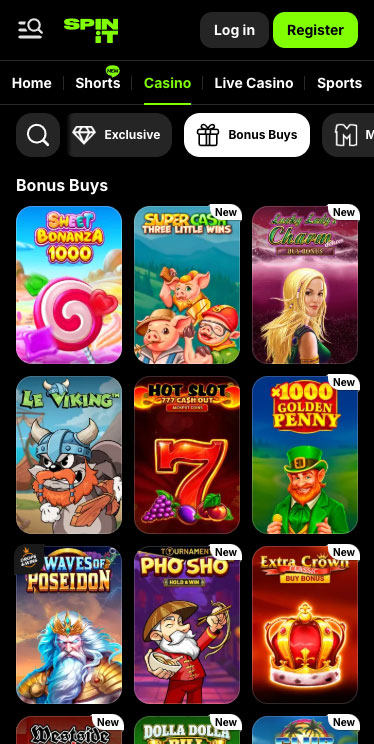
Spinit Casino on Android
If you’re expecting a proper Android app for SpinIt, it’s not there. No Play Store listing, no APK push, nothing. What you get instead is the usual workaround most offshore sites rely on. Turning the browser version into something that looks like an app.
In practice, it’s quick to set up and saves you a bit of time if you’re logging in often. You’re basically skipping the step of opening your browser and typing the URL every time.
Here’s how it goes:
- Open SpinIt in Chrome on your Android device
- Tap the three-dot menu in the top right
- Select “Add to Home Screen”
- Confirm and tap Add
Launch it from your home screen like a regular app
It does make access faster and cleaner, but that’s where it ends. Same platform, same weight, same small delays when you move between games.
iPhone App & iPad App Download
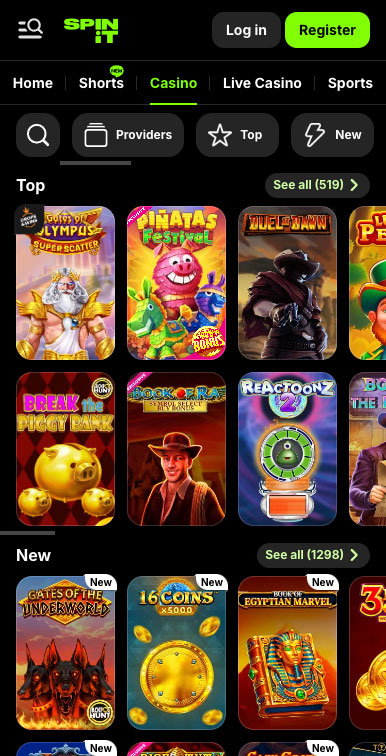
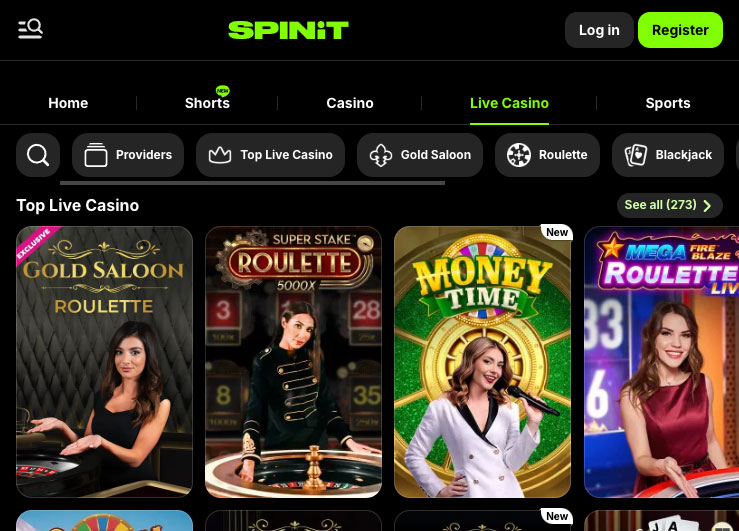
Spinit Casino on iPhone
On iOS, it’s the same setup. No App Store version, so you’re sticking with Safari and the shortcut trick. It’s a decent workaround if you don’t want to keep reopening the site manually. Feels a bit more like an app, but again, it’s just a cleaner entry point.
Here’s what you do:
- Open SpinIt in Safari
- Tap the Share icon at the bottom
- Scroll and select “Add to Home Screen”
- Tap Add to confirm
- Open it directly from your home screen
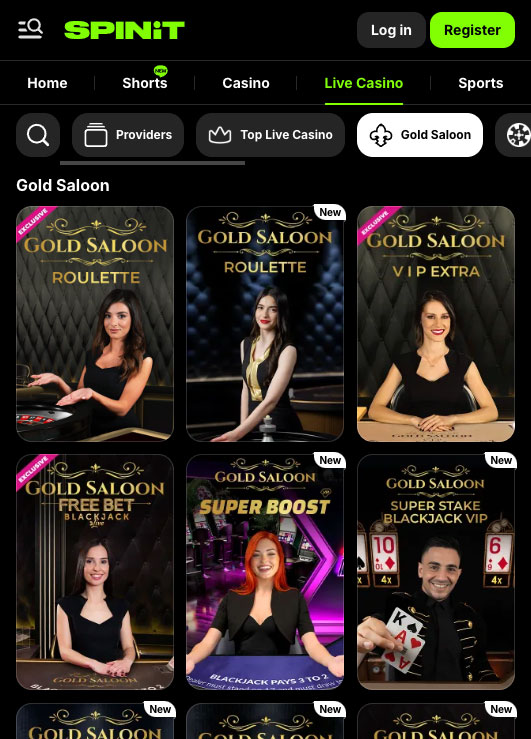
Spinit Casino on iPad
It looks smoother when launched this way, but nothing changes performance-wise. If the site feels heavy during a session, that carries over. This just gets you in quicker.
FAQ
No. Spinit pushes updates directly to its servers. To load the newest features, simply relaunch your home screen icon or refresh your browser.
Yes, if your device and browser support WebAuthn, you’ll be prompted to enable biometric login after your first successful sign-in.
Every slot, table game and live-dealer option you see on desktop appears on mobile. A handful of legacy instant-win titles may default to a simplified interface, but core gameplay remains intact.
HD streams average 150–200 MB per hour. For lighter usage, switch to standard-definition tables or connect over Wi-Fi.
Absolutely. The full cashier lets you deposit with cards, e-wallets, Paysafecard, or bank transfer and withdraw via e-wallet within 12–24 hours or cards and transfers in up to five days.
5.0/5 (2 гласа)