




Mobile slot games: 2500+
Available Applications
 Mobile
 Android
 iOS
iOS
If you are looking for a mobile gaming venue that has it all – bingo, slots, jackpots and live casino games, then Bingo.com should definitely be on your radar. The mobile casino has been around since the very start – 1999 and keeps attracting new players from across Europe and beyond with an excellent game selection. There are more than 2,500 games for Android and iPhone here and more importantly, dozens of leading studios that make sure you get to enjoy quality together with quantity. What is more, the venue is designed to work in browsers effortlessly and you won’t even have to download a mobile app to enjoy playing at Bingo.com on the move. With that being said, you would have to keep in mind the venue’s system requirements. These however are outlined down below so all you have to do to find them out is keep reading.
Android & iOS Compatibility
| OS | Web Browser App | App Download | Mobile Bonus | Live Dealer | Live Chat |
|---|---|---|---|---|---|
| Android | Yes | No | Slot tourneys | Yes | Yes |
| iOS | Yes | No | Slot tourneys | Yes | Yes |
 Slide aside for full view
Bingo.com’s mobile casino is compatible with both iOS and Android operating systems. For iOS, the minimum requirement is iOS 9.0 or later. This means that the casino can be played on devices such as iPhone 5s or later, iPad Air or later, and iPod touch 6th generation or later. For Android, the minimum requirement is Android 5.0 or later. This means that the casino can be played on devices as old as Samsung Galaxy S5 or later.
Android App Download Guide
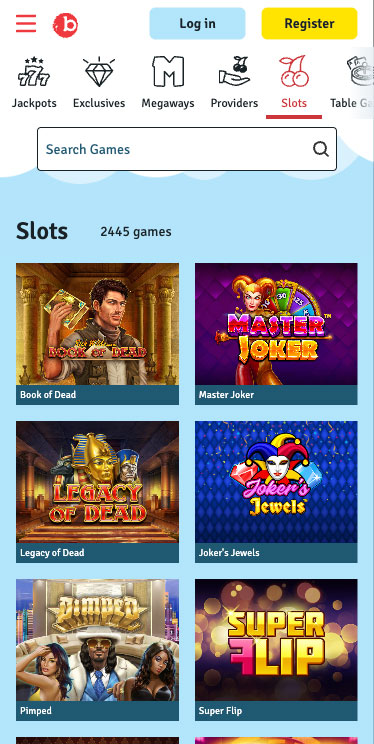
Bingo.com Casino on Android
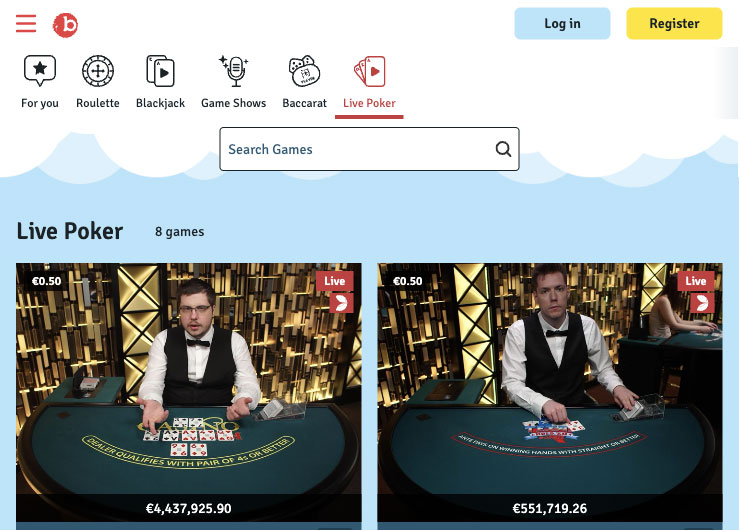
As we mentioned at the start, Bingo.com doesn’t offer a native app for Android. Therefore, instead of looking for apks that can actually harm your device, we recommend simply creating a shortcut to the mobile casino. It is quick and easy, can be done with any browser and as soon as you set it up, you will be able to access Bingo.com as if the venue actually had an app. To get it done, you would first have to visit bingo.com in your mobile browser. Next, open the browser’s settings and look for Add to Home Screen. Once you locate it and tap it, you would have to pick a name – e.g. Bingo.com App, and once you confirm, you will be ready to play here with just a tap of your screen.
iPhone App & iPad App Download
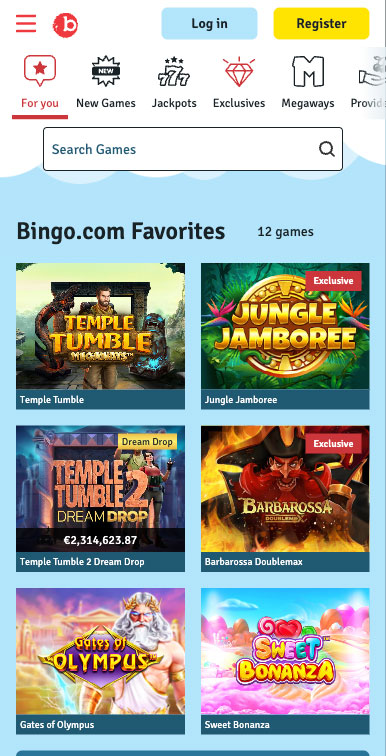
Bingo.com on iPhone
Bingo.com doesn’t offer a mobile app for iOS and if you are planning to regularly visit the venue, you may want to create a shortcut. You can do it in a few steps, starting with opening Safari and visiting the website. Once you are on the Bingo.com website, tap the share button, and from the share menu, select Add to Home Screen.
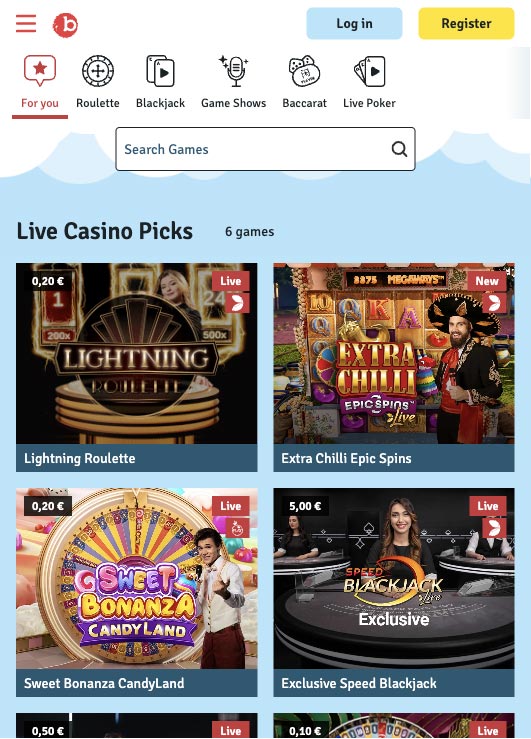
Bingo.com Casino on Ipad
This will take you to the shortcut creation home screen. You can now see a field where you can name your shortcut. By default, Safari will suggest a name based on the website’s title, but you can change it to something more suitable like Bingo.com app. Now, simply tap Add and you will have quick and convenient access to the mobile casino.
FAQ
Absolutely, it is one of the oldest mobile gaming venues, dating back to 1999. What is more, multiple governing bodies oversee its operations and all security protocols are strictly followed.
The mobile casino is not best known for its promotions, but still, there are interesting offers to look forward to like special bingo deals and slot tournaments.
You get the most popular options out there like credit and debit cards, Skrill’s e-wallet, and even PayPal. What is more, the mobile casino supports a range of currencies and doesn’t apply additional fees.
You get a full range of options - 50, 75 and 90-ball bingo, coming in various themes and with various prize pools.
Temple Tumble Megaways leads the charge and is followed by hot hits like Gates of Olympus and Fire and Roses Joker.
5.0/5 (3 гласа)