




Mobile slot games: 2000+
Available Applications
 Mobile
 Android
 iOS
iOS
NYspins’ mobile casino is optimized for both iOS and Android users and doesn’t require downloading a mobile app. The games run on mobile devices as small as 436×320, ensuring compatibility with older phones going more than 10 years back. Every game on offer is mobile-friendly and delivers a smooth and pleasant experience while playing on the move. Moreover, the entire site is encrypted and our mobile casino is PCI-compliant. Feel safe in the knowledge that all payments run through encryption technology, and you’ll enjoy a stress-free gaming experience. You will also find various payment options across NYspins’ mobile casino, enabling you to make fast and secure deposits and withdrawals. All in all, you can find everything you can expect from a well-polished mobile gaming venue.
Android & iOS Compatibility
| OS | Web Browser App | App Download | Mobile Bonus | Live Dealer | Live Chat |
|---|---|---|---|---|---|
| Android | Yes | No | 100%/€100 | Yes | Yes |
| iOS | Yes | No | 100%/€100 | Yes | Yes |
 Slide aside for full view
NYspins’ mobile casino is dedicated to providing an entertaining and engaging casino experience no matter the device you are using. To that end, it is compatible with a wide range of devices and can be accessed on all iPhones and iPads, as well as on almost all Android devices. The latter include Samsung, Huawei, and Google among others as long as your device can run Android 6.0 or later. With that being said, the mobile casino of NYspins guarantees that no matter what device you have, you can expect a well-optimized gaming experience from start to finish.
Android App Download Guide
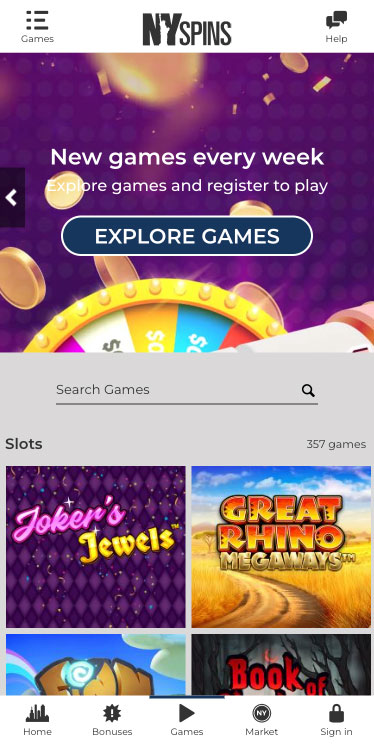
NYspins Casino on Android
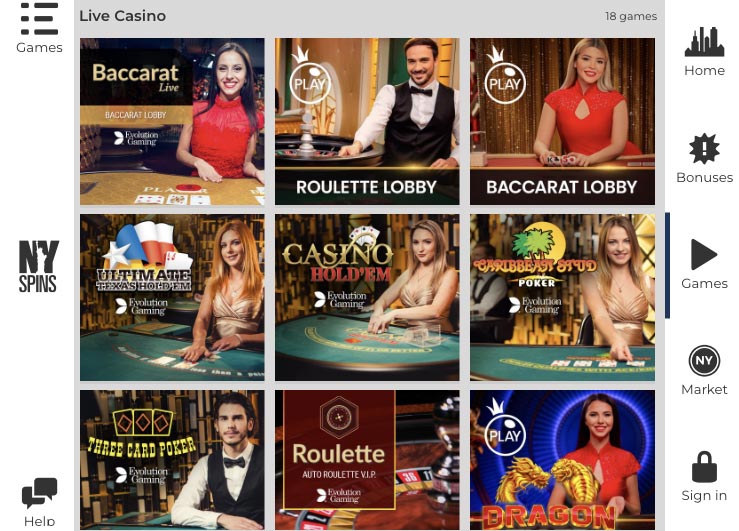
By using your Android browser you can access NYspins’ mobile casino as easily as accessing any other website. Just open your Android browser application and type in NYspins in the search bar. From there, you can navigate to the mobile casino section of the website and create your account.
Creating a shortcut to the mobile casino’s website is easy as well. Just open the website’s home page and press the three dots of your browser to open its settings. Select the Add to Home Screen or Create Shortcut option. This will add a shortcut icon to your home screen that you can click to access the mobile casino’s website. Now that you have access to the mobile casino, you can start exploring its wide range of casino games, such as video slots, jackpots, live casino and more.
iPhone App & iPad App Download
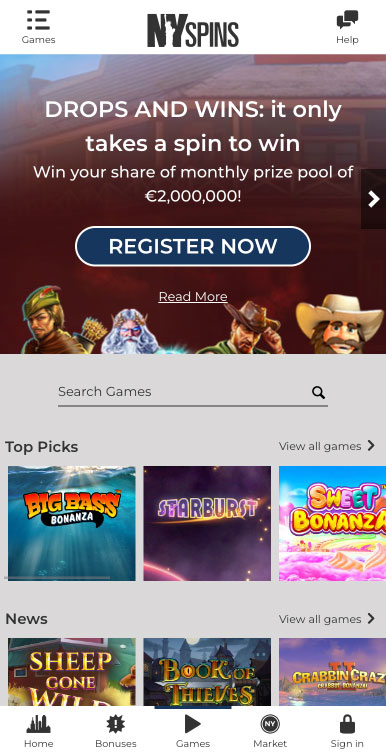
NYspins Casino on iPhone
Since NYspins doesn’t offer an iOS browser, you would have to open the Safari browser on your iPhone or iPad in order to get going. Next, go to the venue’s website, sign in to your account and you will be ready to explore everything the mobile casino has to offer.
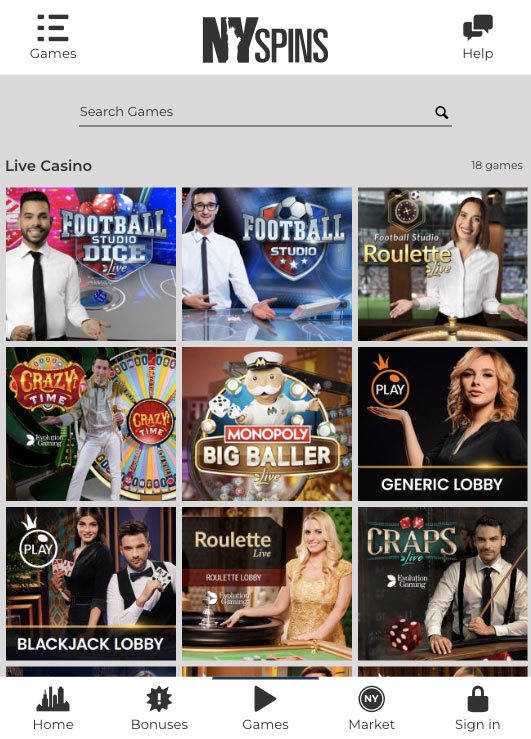
NYspins Casino on Ipad
Now for extra convenience, your iOS device allows you to create a shortcut to the mobile casino via Safari easily. To do this, you should look for the ‘share’ icon at the bottom of the browser and tap it to bring up the Settings menu. Next, select Add to home screen to create a direct connection to the website, and include the icon of the website on your iPhone or iPad’s home screen.
FAQ
You can, as the mobile casino has licenses from a number of leading gambling authorities and accounts for a game library of licensed and time-test casino games.
The top-played games include Starburst, Book of Dead and 9 Masks of Fire. In terms of progressive jackpots on the other hand Mega Moolah leads the charge.
No, the mobile casino is exclusively browser-based, meaning you can only play here via an iOS or Android browser.
You can choose between credit, debit and prepaid cards, as well as e-wallets like Skrill and Neteller, bank transfers via Trustly and local payment schemes based on your country.
Yes, as a licensed mobile casino, the venue is required by law to verify the identity of each player by double-checking their ID.
5.0/5 (2 гласа)